Guide me through it · Wedding Day Live
Be present for your wedding day.
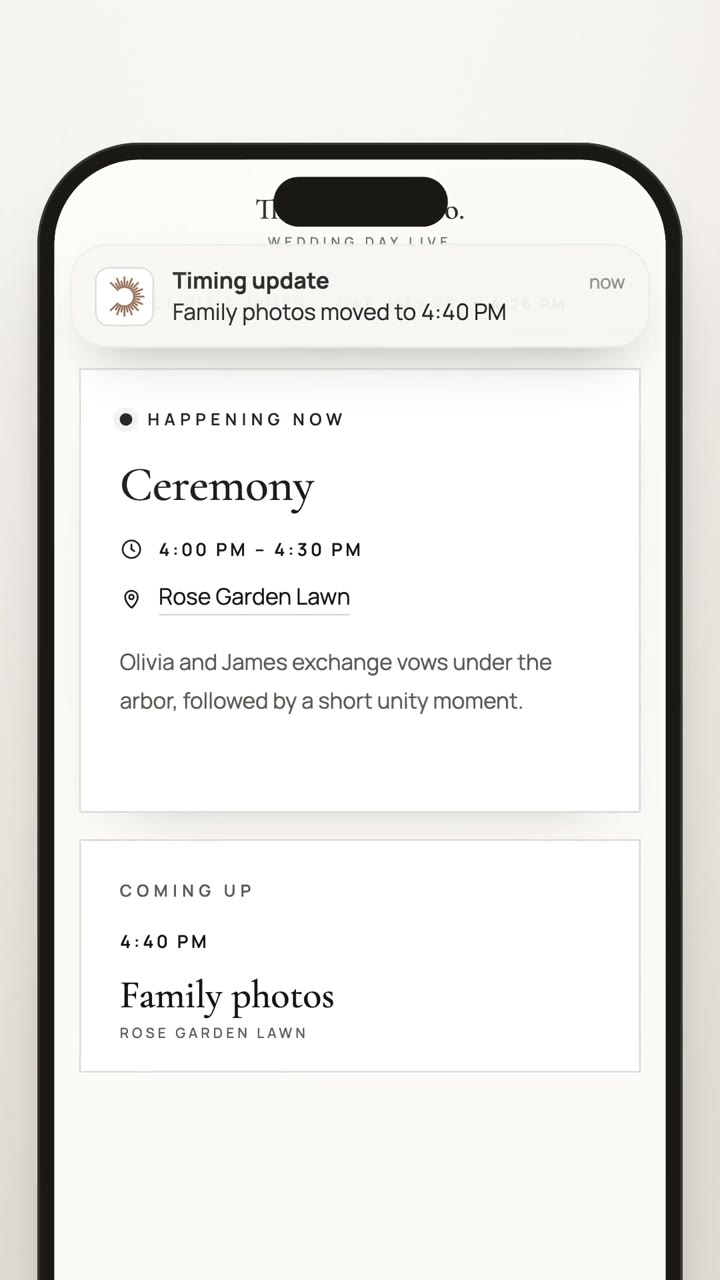
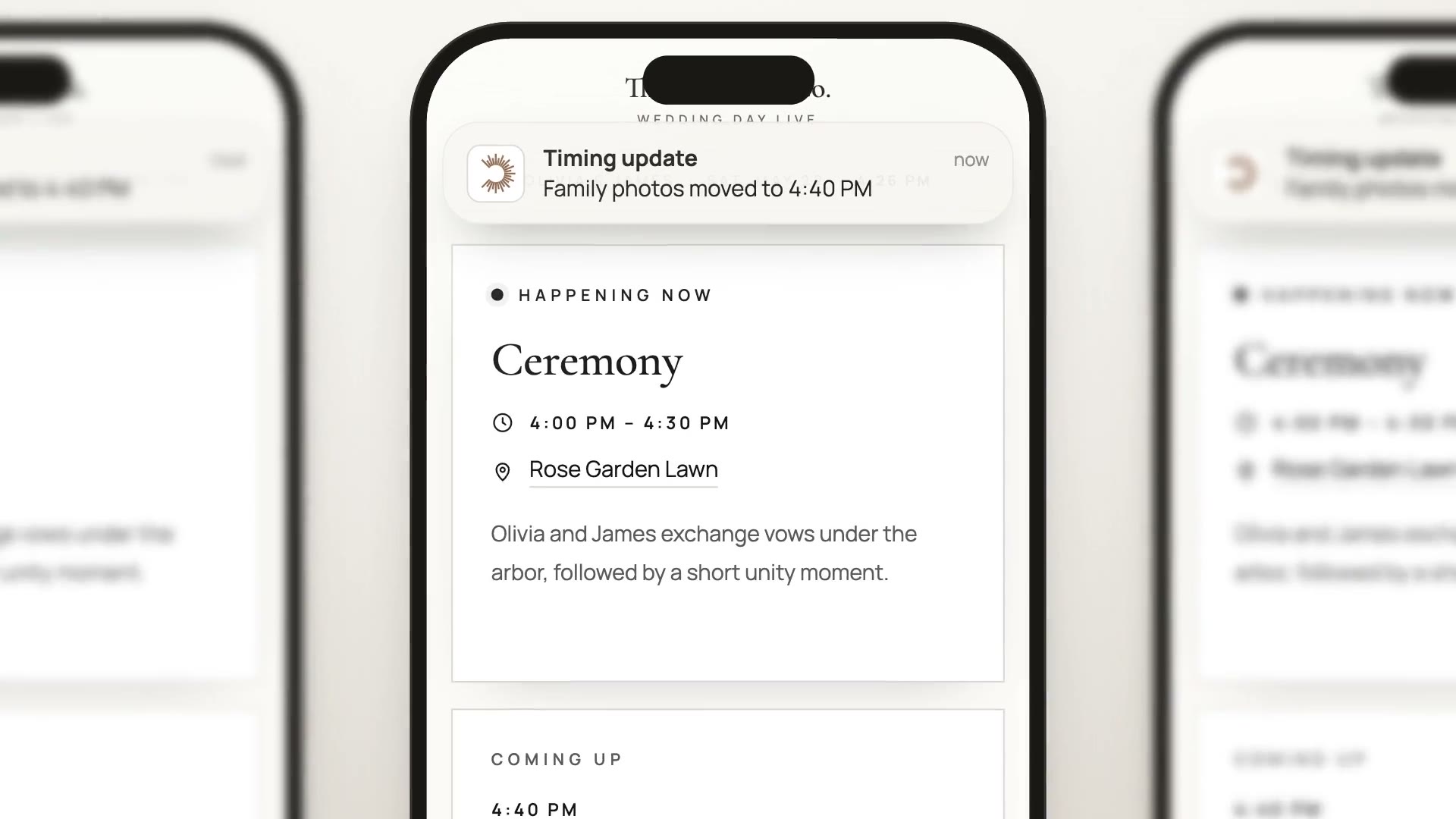
Wedding Day Live turns your timeline into a live plan for the friends and family helping you. Everyone knows what’s happening now, what’s next, and exactly what they’re responsible for, so no one needs to come to you for answers.
Coming soon · Nothing to download

Why Jess made it
“You shouldn’t have to spend your wedding day managing your own wedding.”
Most wedding days run on a group text and the bride’s memory. As a coordinator, I’ve seen how much smoother a day goes when everybody knows exactly what they’re supposed to be doing. Wedding Day Live gives your friends and family that same clarity.
Jess Hawkins · Wedding coordinator
How it works
From timeline to team in an evening.
- 01
Bring your timeline
Start from the timeline you made with our free generator, or build one in Wedding Day Live. Mark the times that can’t move.
- 02
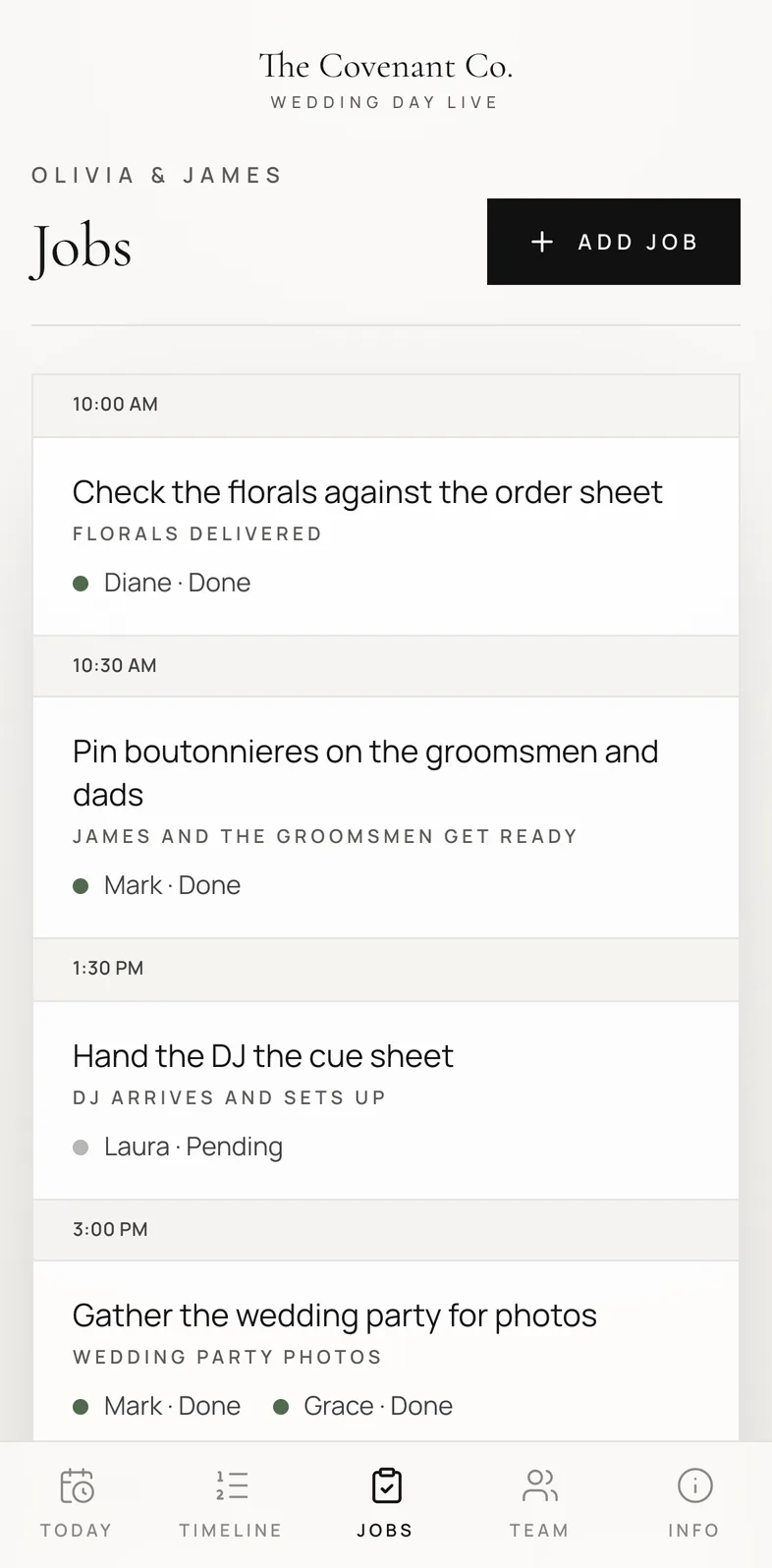
Give everyone a job
Boutonnieres, the rings, the DJ’s cue sheet. Each job has a time, the details, and the person it belongs to.
- 03
Send each person their link
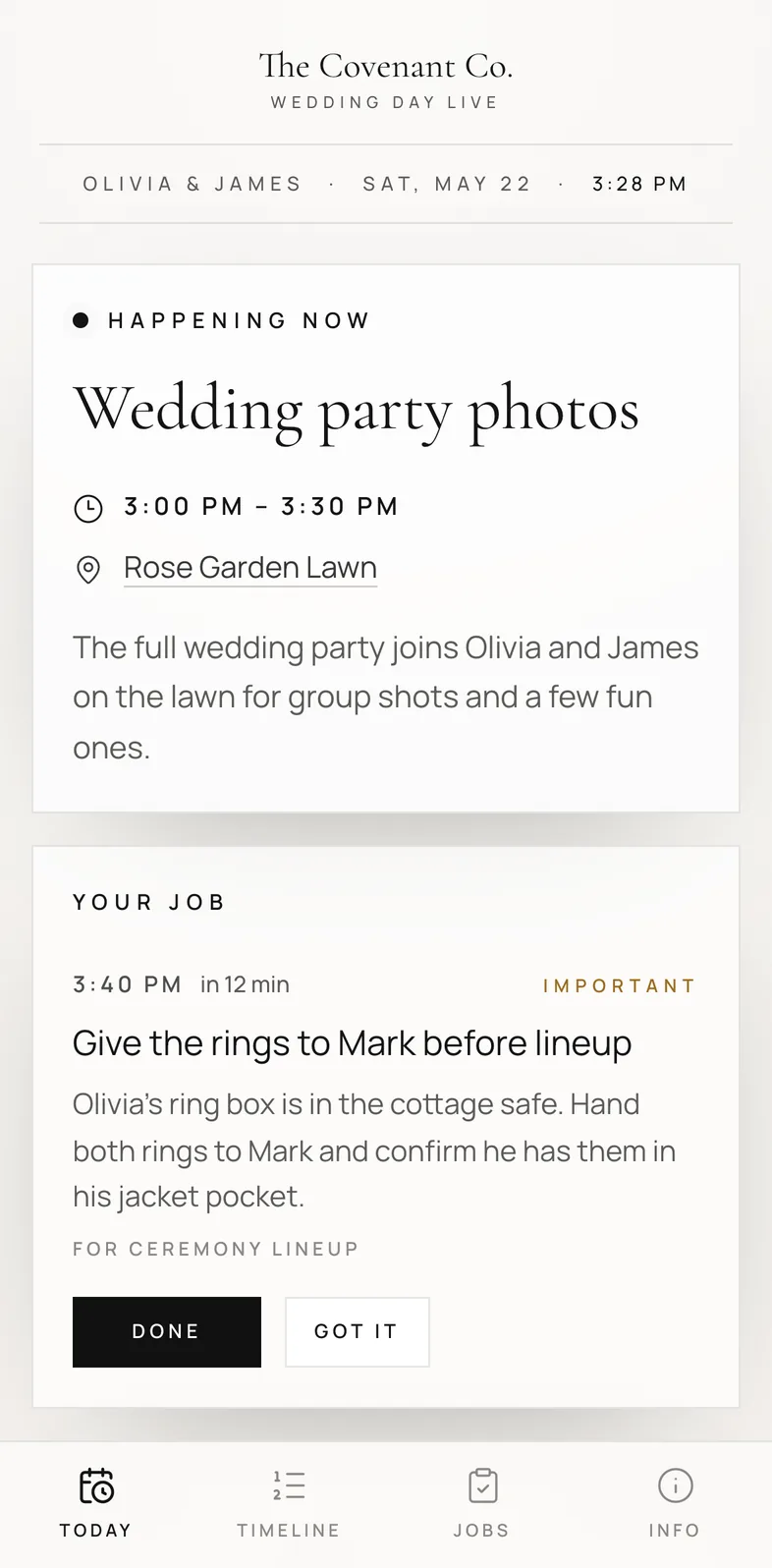
No accounts and no app store. Each helper opens their link and sees their part of the day, with reminders before the moments that matter.
- 04
Your point person runs the day
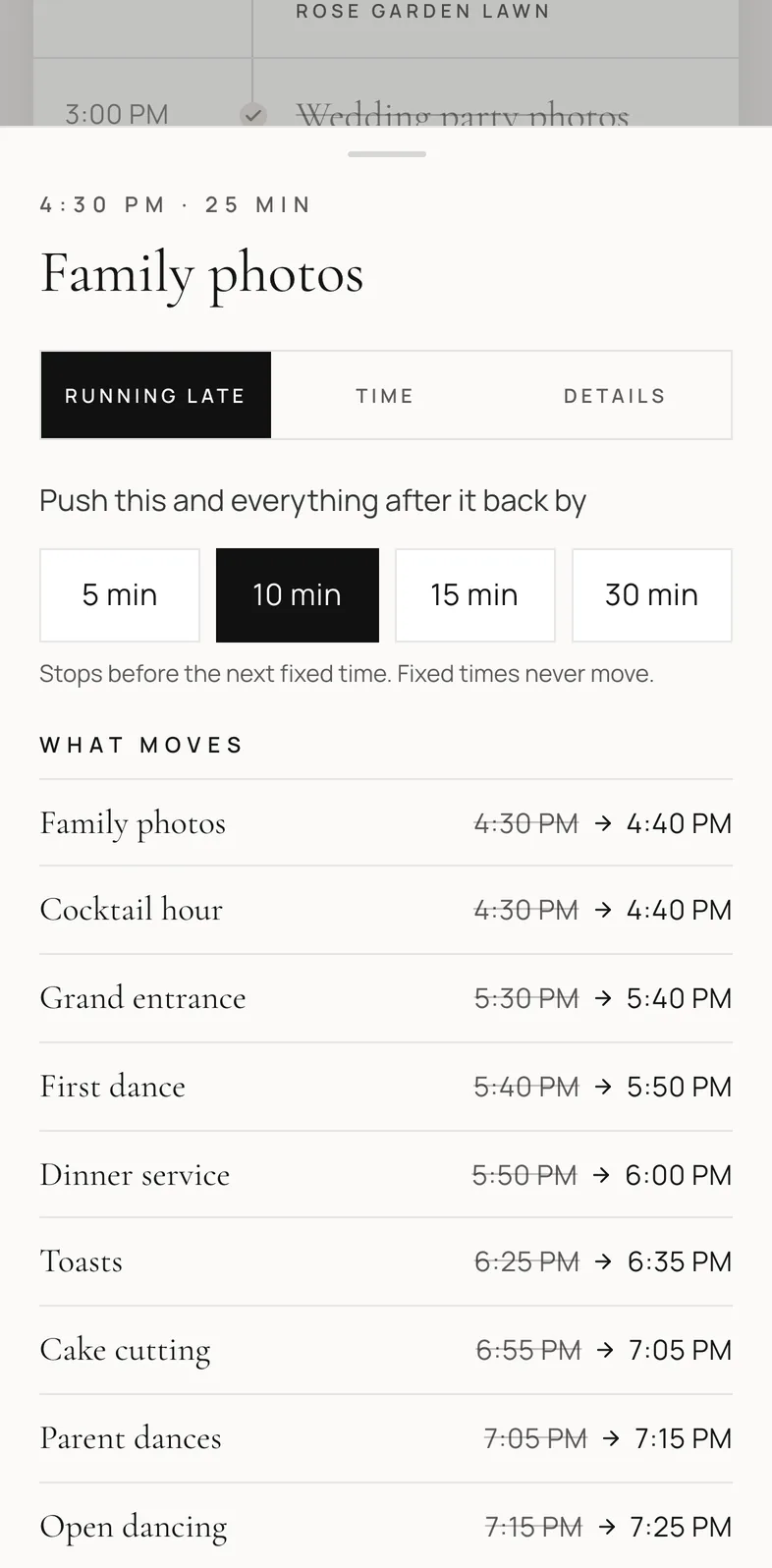
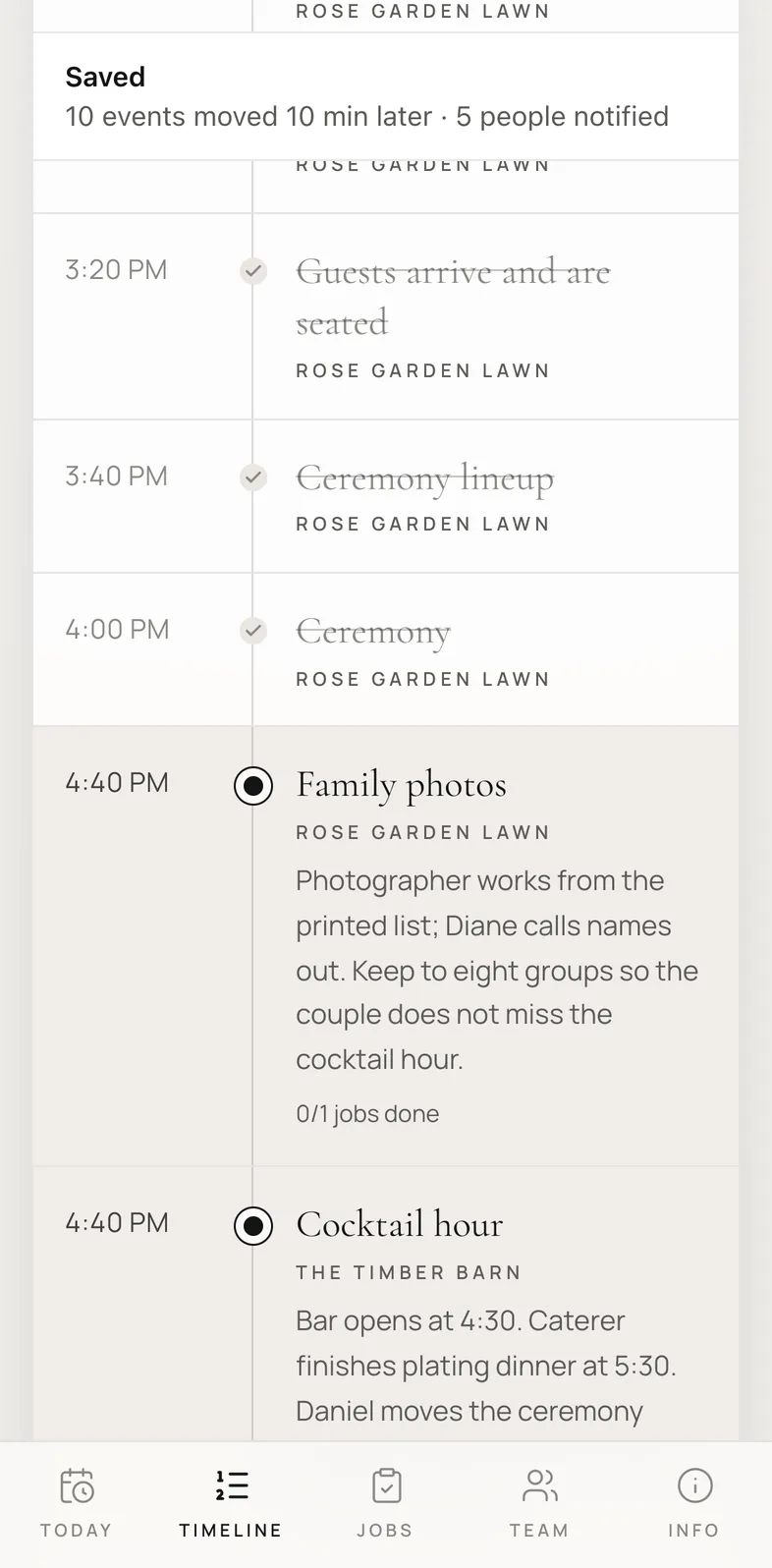
When something runs late, they update the timeline once. Only the people whose part of the day changed are told.
For every helper
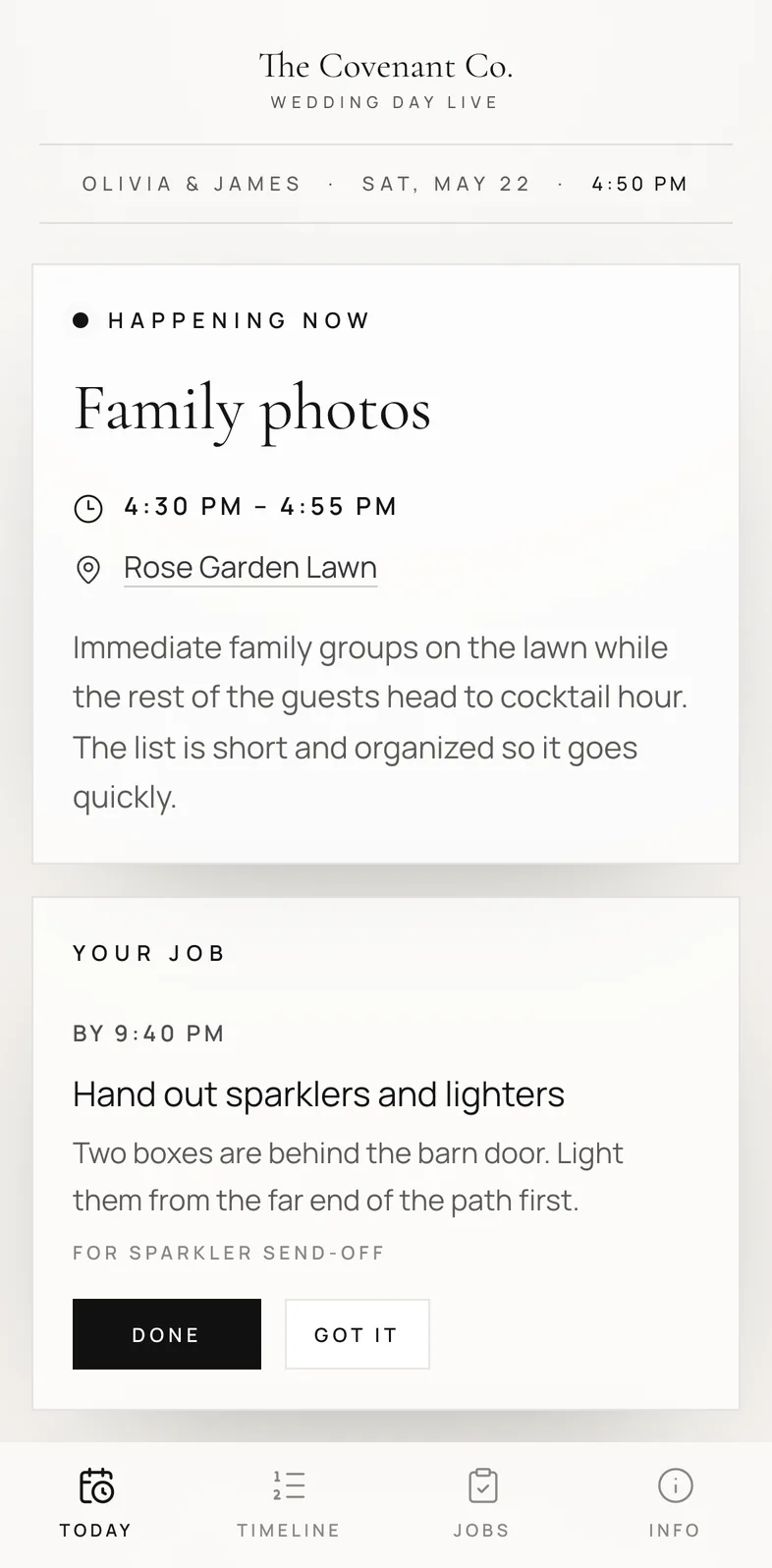
Now, next, and their job.
- What’s happening now and next, with times and places
- Their jobs, with the details they need to do them
- Reminders before the moments they’re part of
- The full timeline, one tap away
For your point person
Changes in a couple of taps, told to the right people.
- Push everything back when the day runs late; fixed times like the ceremony never move
- If a delay would run into a fixed time, trim something flexible instead
- Alerts go only to the people whose part of the day changed
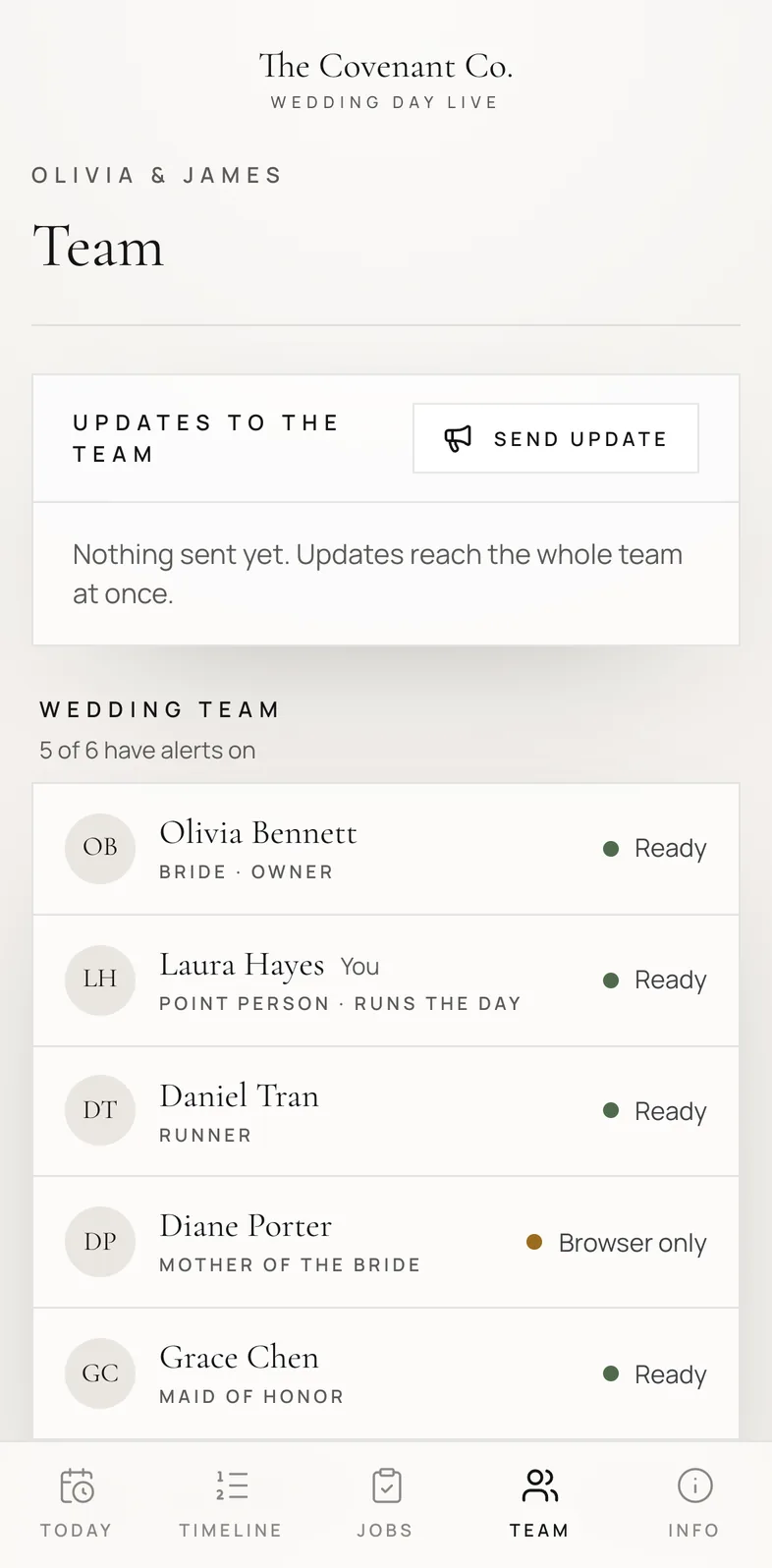
- Send one update to the whole team
For you
Set it up, then hand it off.
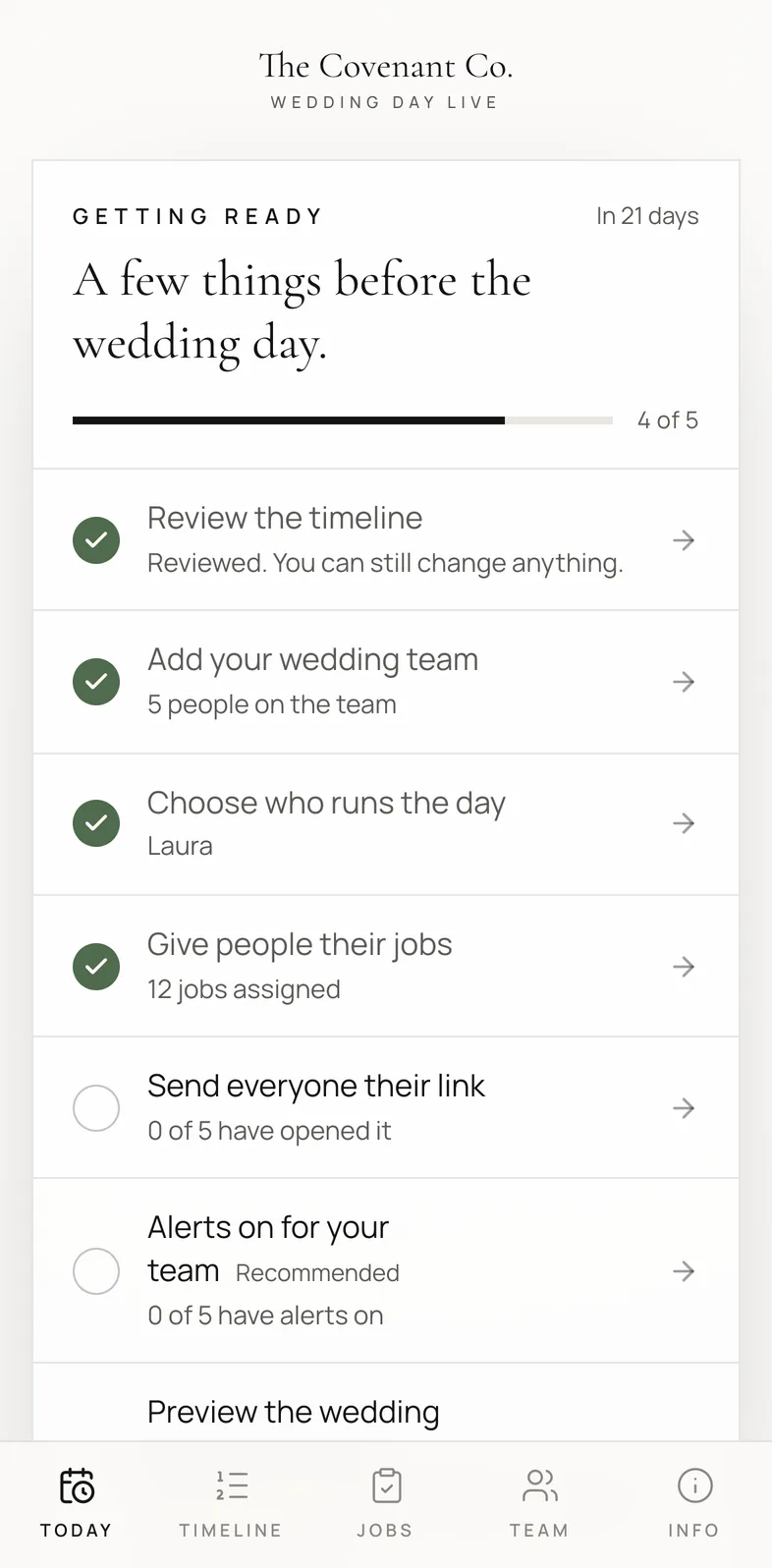
- A short checklist gets everything ready before the day
- Preview the day exactly as each helper will see it
- See who has opened their link and turned on alerts
- Your point person runs it, so you never have to open it
Pricing at launch
One price for your whole day.
Wedding Day Live
$179
- A live plan for everyone helping
- Jobs, reminders, and alerts
- Running late in a couple of taps
- Your timeline from our generator, ready to go
Guide + Wedding Day Live
Best value$199Save $18
- Everything in Wedding Day Live
- The Friend-As-Coordinator Guide ($38 on its own)
- The system your point person follows, and the app they run it in
One-time purchase · No subscription
Questions
Good to know.
Do my helpers need to download an app?
No. Each person gets a private link that opens in their phone’s browser. Adding it to their home screen lets it send alerts, and Wedding Day Live walks them through it.
Does it send text messages?
It sends phone notifications to the people who turn on alerts, and anyone can open their link at any time to see the latest plan.
Can I use the timeline I already made?
Yes. Timelines from our free Timeline Generator come straight in when Wedding Day Live opens. You can also build your timeline in Wedding Day Live.
Who should run it on the day?
Your point person: a coordinator, a planner, or a trusted friend or family member. You can run it yourself, but the point is that you don’t have to.
What happens when things run late?
Your point person picks what’s running late and by how much. Everything after it moves, fixed times never do, and anyone whose part of the day changed gets an alert.
Is it a subscription?
No. It’s a one-time purchase for your wedding.
Coming soon
You plan the day.
Let your people run it.
Wedding Day Live isn’t open yet. Join the waitlist and I’ll email you as soon as it’s ready.